
Account & security settings
Your basic account details live on the Settings page, alongside quick links to your subscription and integrations. This guide covers the Account Information panel — what's there, and what to do if something needs updating.
Account Information
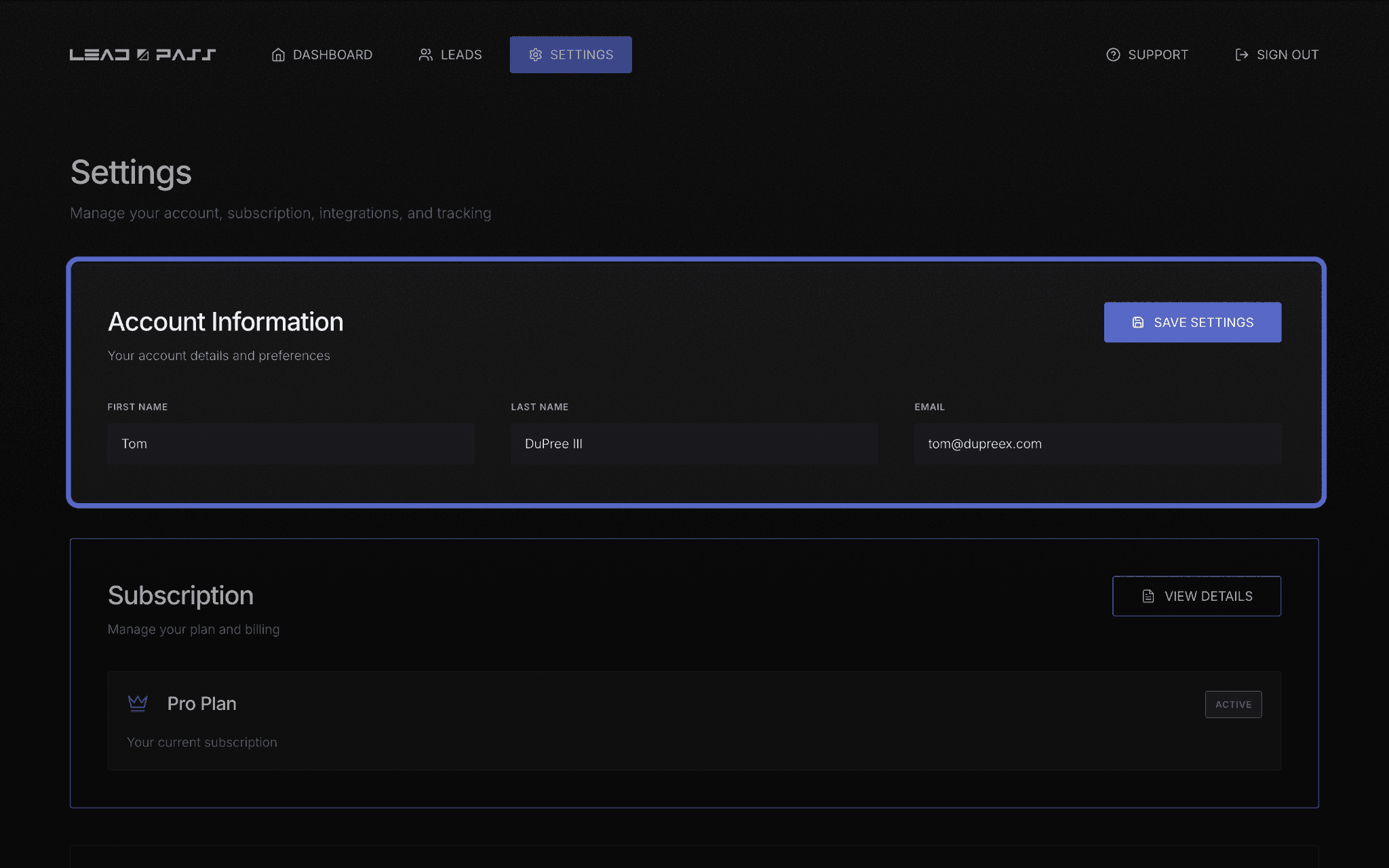
At the top of the Settings page is your Account Information panel, with three fields:
First Name
Last Name
Email
Update any of these and click Save Settings to apply the change.
A note on changing your email
Since your email is also your login and the address your billing and account notifications go to, double-check it's typed correctly before saving. When changing your email address, you will need to verify the new address before the change is finalized.
Password and security
If you forget your password, you can always reset your password by selecting Forgot password on the Sign In page and submitting the form on the Forgot password page.

Your subscription, at a glance
The Settings page also shows a condensed view of your current plan — see Managing your subscription for the full picture of what's there and how to manage it.
What's next
For billing and plan changes, head to Managing your subscription. For additional information about features, see Free vs. Pro: What’s included.