
Managing your subscription
Everything related to your plan and payment lives on the Subscription page. This guide covers upgrading to Pro, what happens if you cancel, and how to manage your billing details.
Upgrading to Pro
If you're on the Free tier, upgrading unlocks unlimited forms, unlimited leads, advanced analytics, CSV exports, and both the Zapier and Meta Pixel integrations — see Free vs. Pro: What's included for the full comparison.
To manage your subscription, head to the Settings page and select View Details in the Subscription panel. Once you reach the Subscription page, click Manage Subscription in the top right.
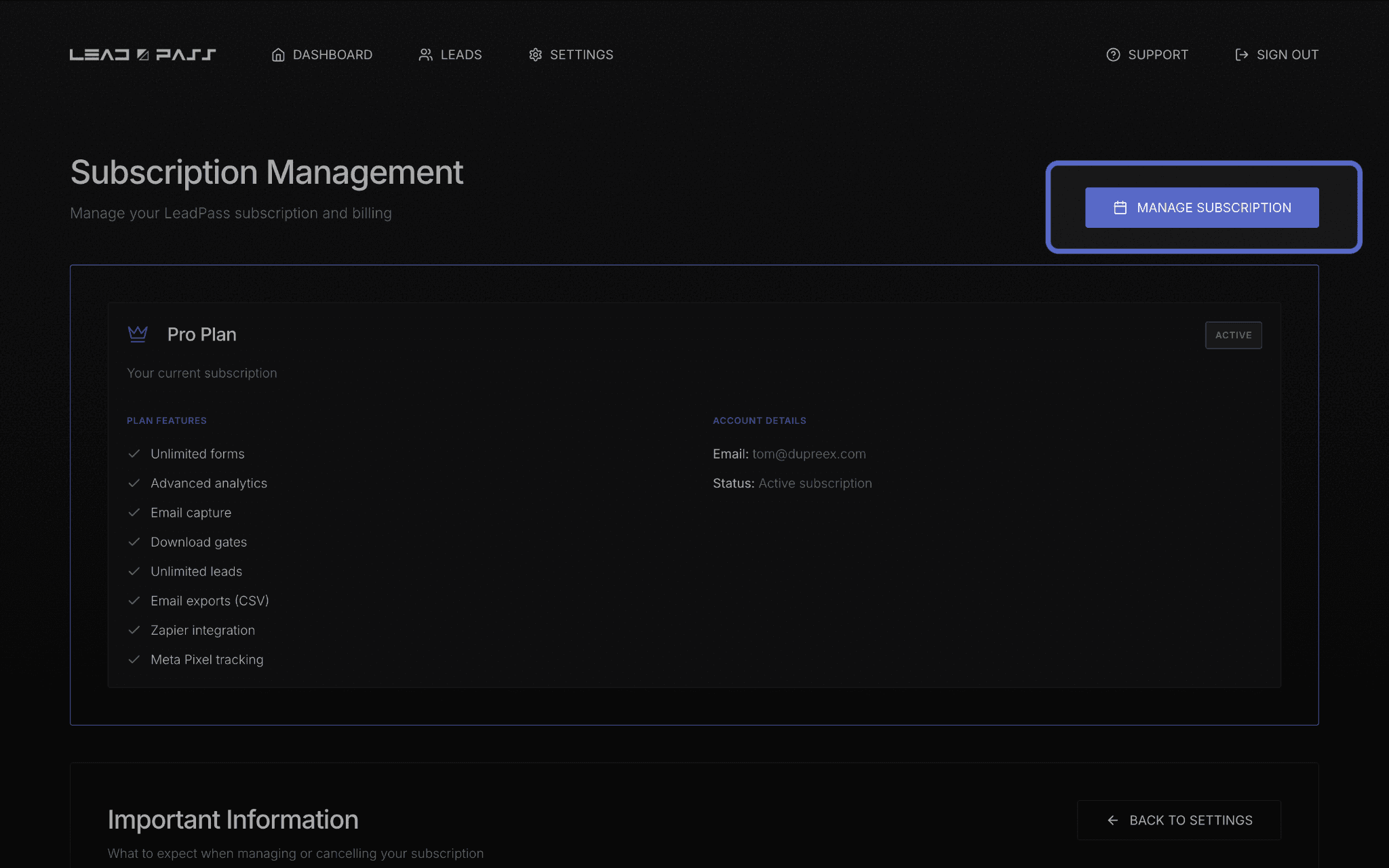
What Manage Subscription does
Clicking Manage Subscription takes you to your billing portal, where you can:
Update payment methods
View billing history
Cancel your subscription
Download invoices
This is a single, secure place for anything related to how you're billed — you won't need to contact support for routine changes like updating a card.
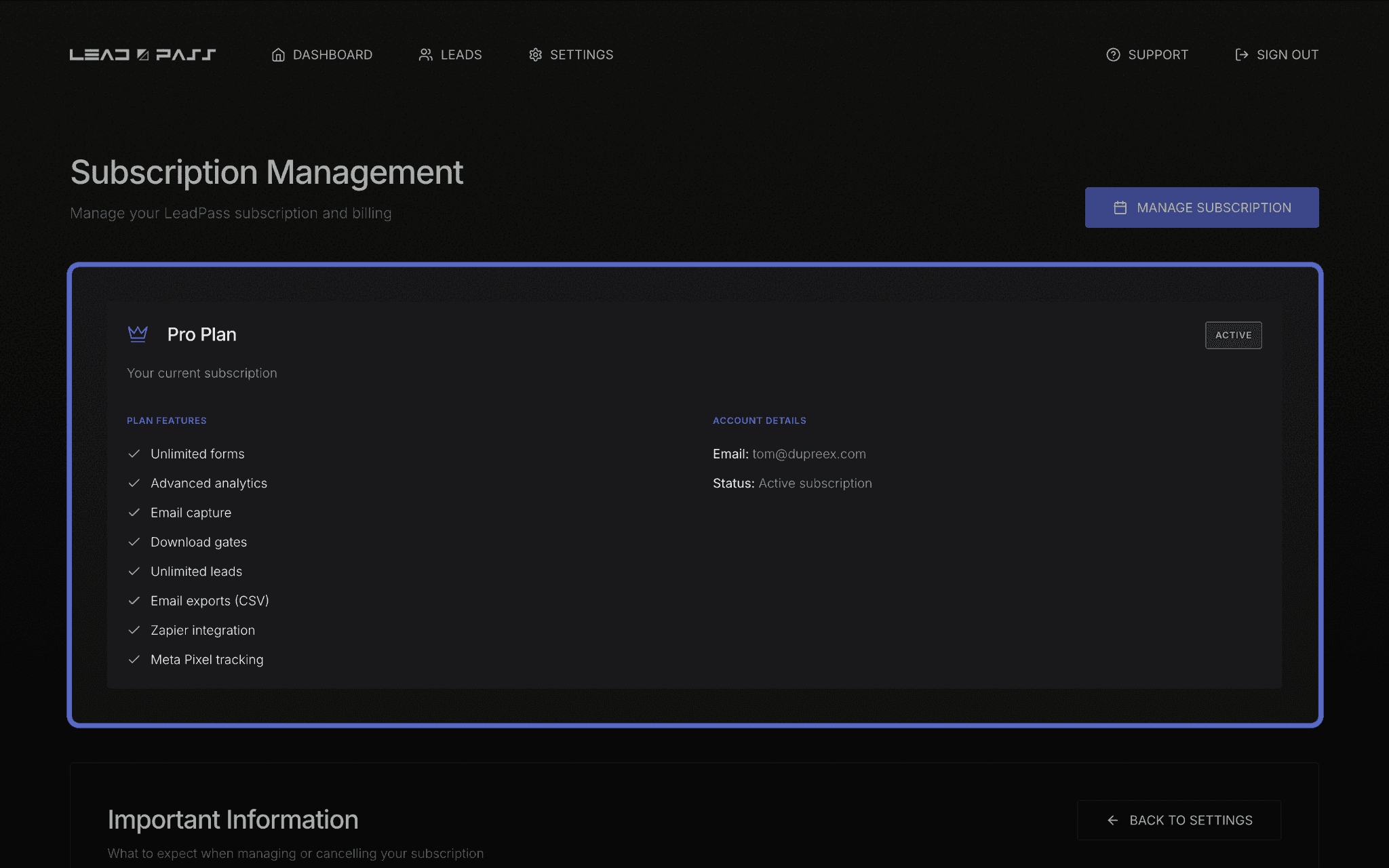
Your current plan at a glance
The Pro Plan panel on the Subscription page (when you're on Pro) shows your full feature list plus your account details — the email address on file and your subscription status.
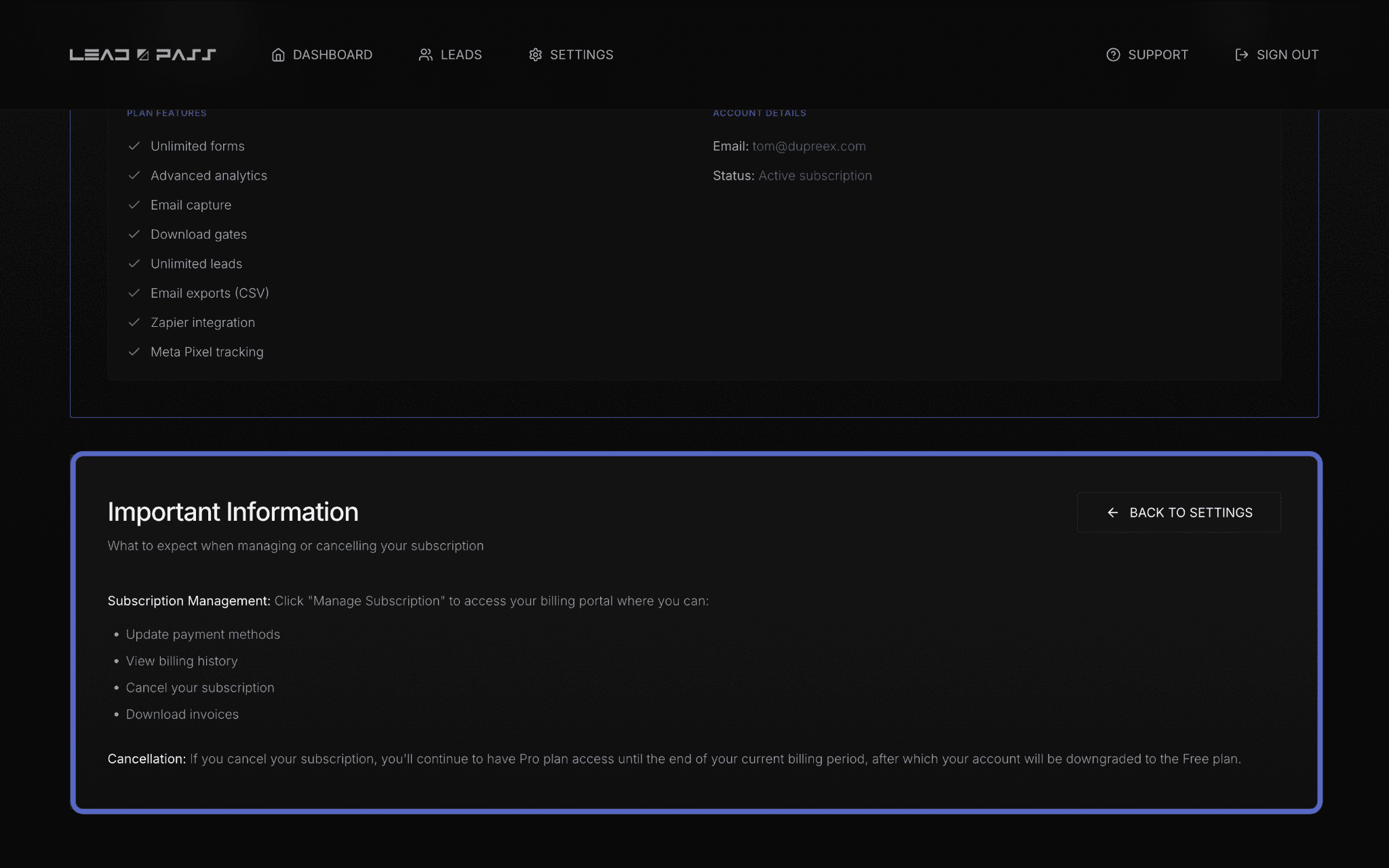
Canceling your subscription
If you cancel, here's exactly what happens: you keep full Pro access through the end of your current billing period. Once that period ends, your account automatically downgrades to the Free plan — nothing is deleted, but Pro-only features stop working until you resubscribe.
If you have more forms or leads than the Free tier allows, you will lose access to all but the first three forms you created and the first 100 leads you collected.
What's next
If you're still deciding whether Pro is worth it, Meta Pixel setup and integration, Setting up Zapier integration, and Managing & exporting your Leads are good places to see the Pro features in action before committing.